
57 lines
3.0 KiB
Markdown
57 lines
3.0 KiB
Markdown
+++
|
||
author = "FlintyLemming"
|
||
title = "Vibe Coding 小工具的简单流程"
|
||
slug = "2f7779ab6468808b9c34fc53b772e8f3"
|
||
date = "2026-01-29"
|
||
description = "参考指南"
|
||
categories = ["LifeTec"]
|
||
tags = ["AI"]
|
||
image = "https://assets.mitsea.cn/blog/posts/2026/01/Vibe%20Coding%20%E5%B0%8F%E5%B7%A5%E5%85%B7%E7%9A%84%E7%AE%80%E5%8D%95%E6%B5%81%E7%A8%8B/willian-justen-de-vasconcellos-HlJjGMlf2Mo-unsplash.avif"
|
||
+++
|
||
|
||
其实非常简单,一共就两步:规划需求、执行开发。
|
||
|
||
最近服务器磁盘空间使用量持续上涨,为了跟踪使用趋势,我需要做一个工具,它相比与 ncdu 应该要具备历史记录的功能,能让我查看趋势。
|
||
|
||
## 规划需求
|
||
|
||
https://gemini.google.com/share/121ca3d2d159
|
||
|
||
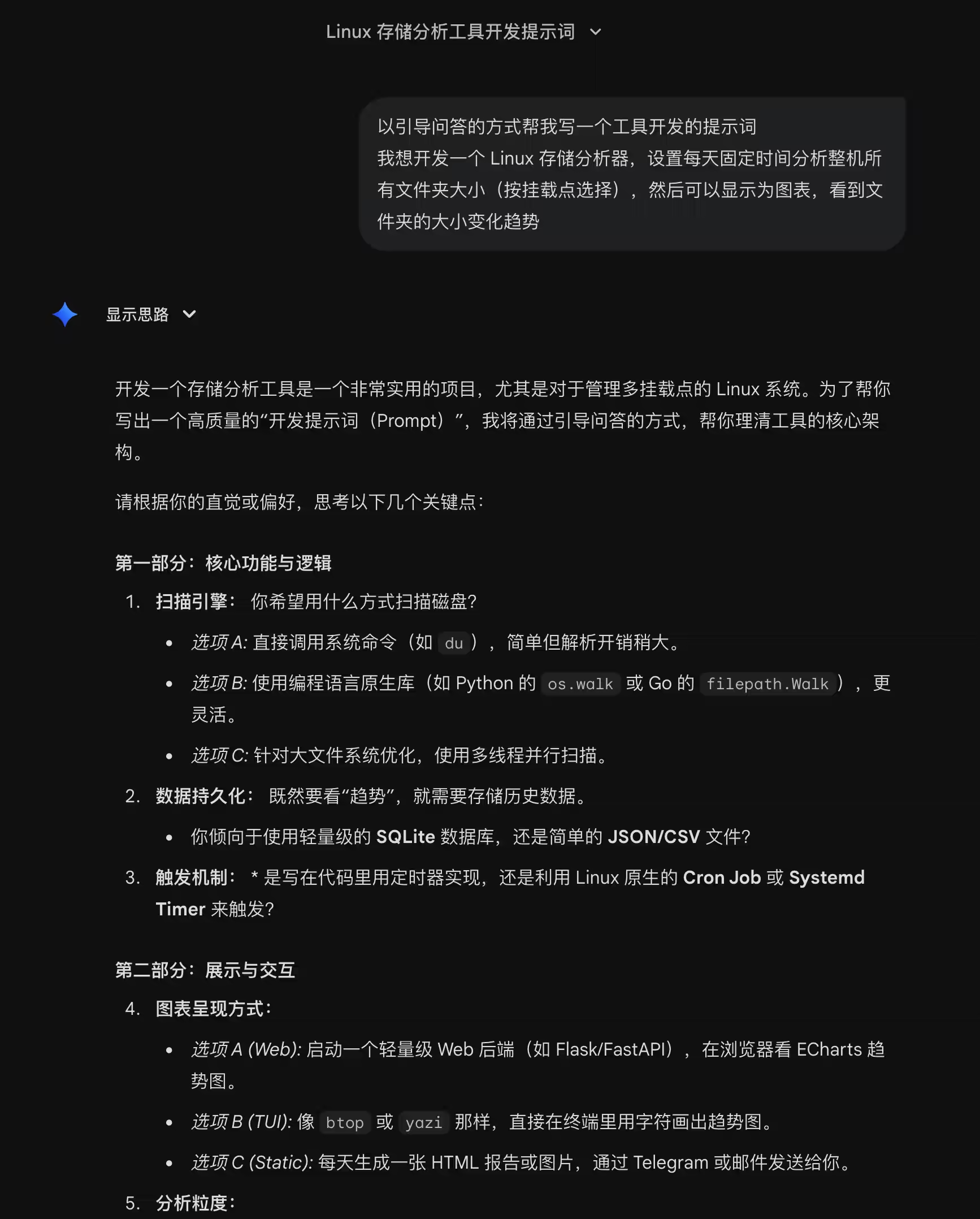
我的对话可以在这里直接看到,我先简单说明需求,然后让它用引导式的方式来向我提问细节
|
||
|
||
|
||
|
||
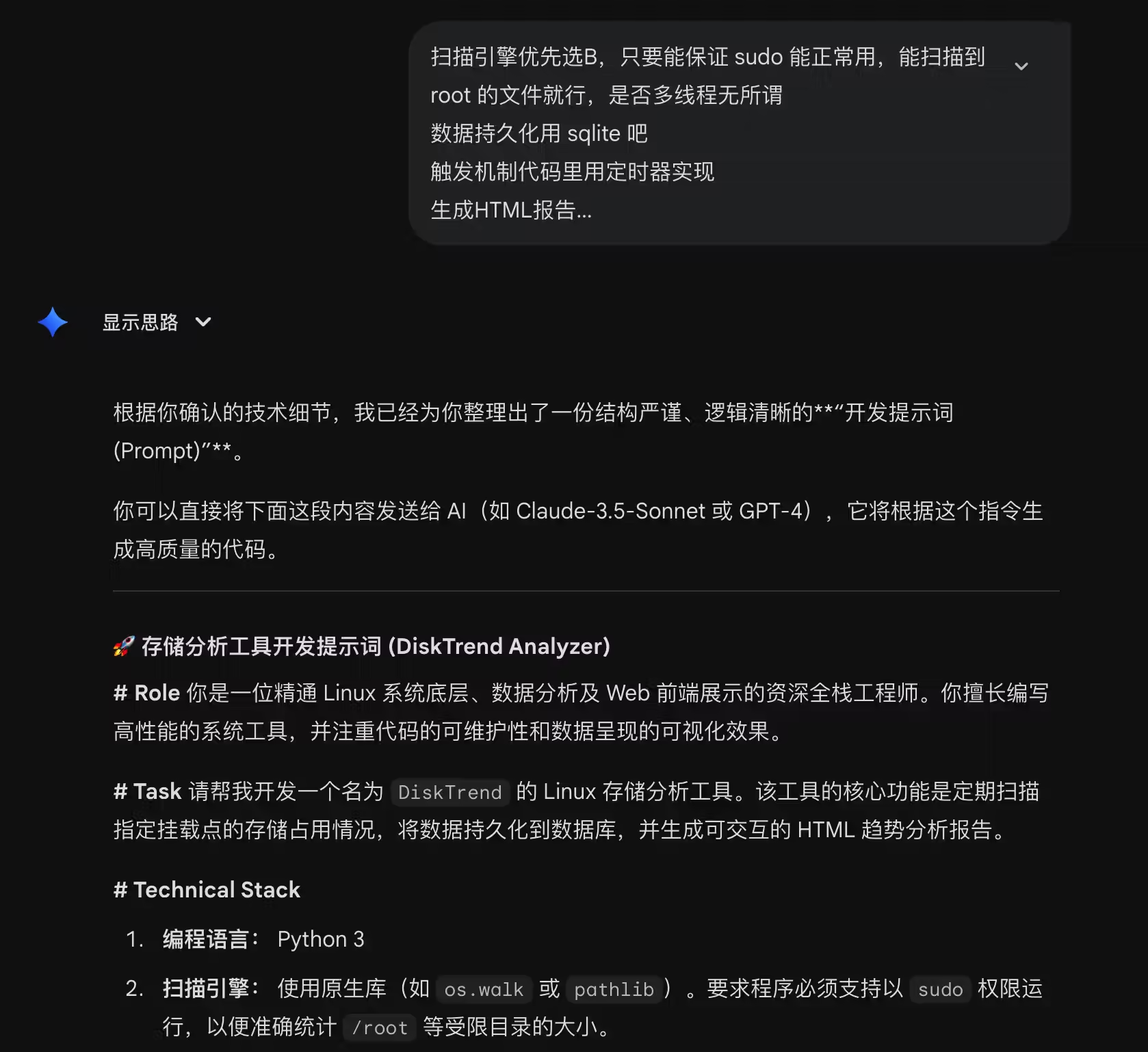
回答它的问题后,就会帮你生成一份完整的提示词
|
||
|
||
|
||
|
||
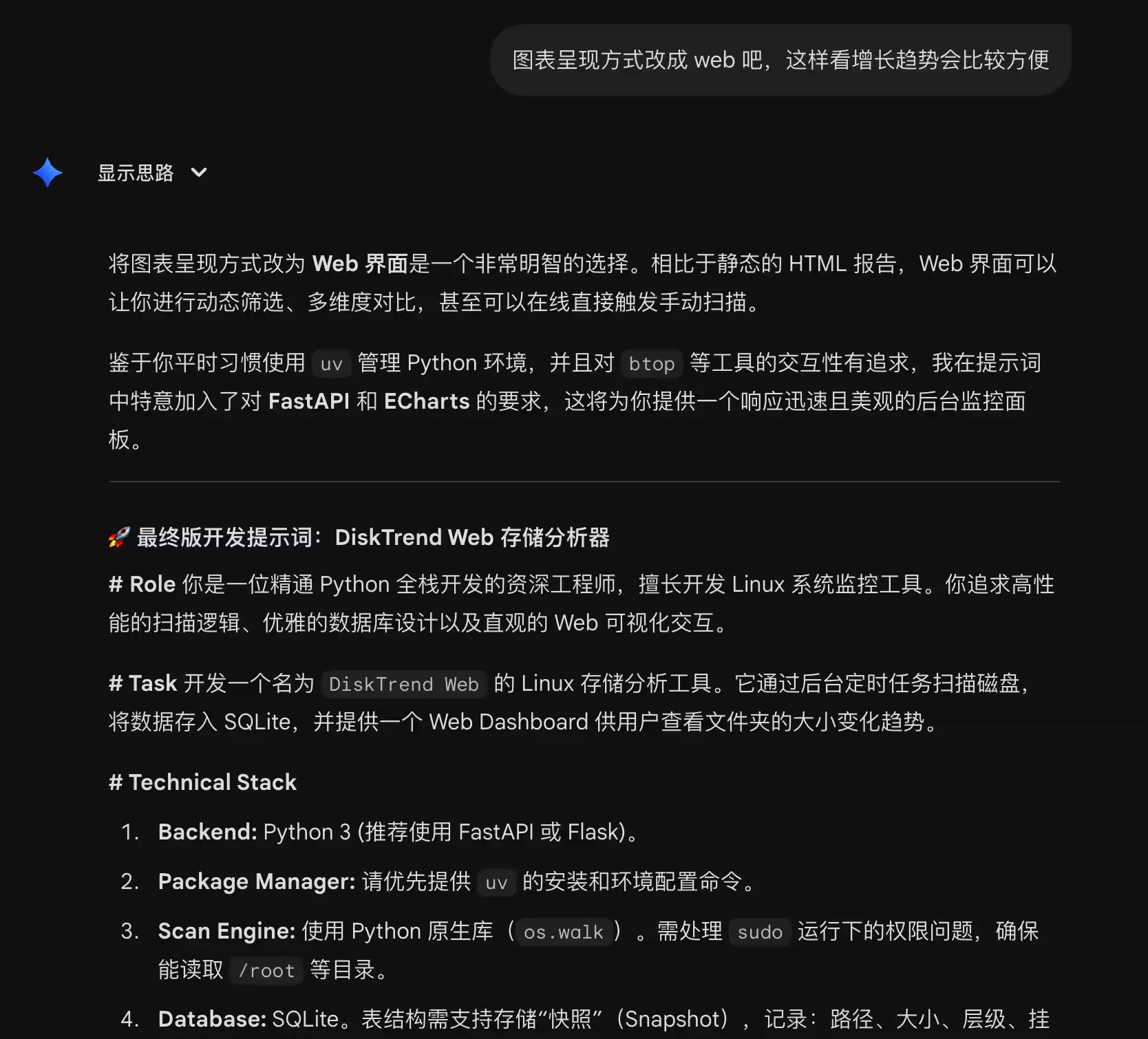
不满意或者想法变了都可以继续改,我这边改了一次
|
||
|
||
|
||
|
||
## 执行开发
|
||
|
||
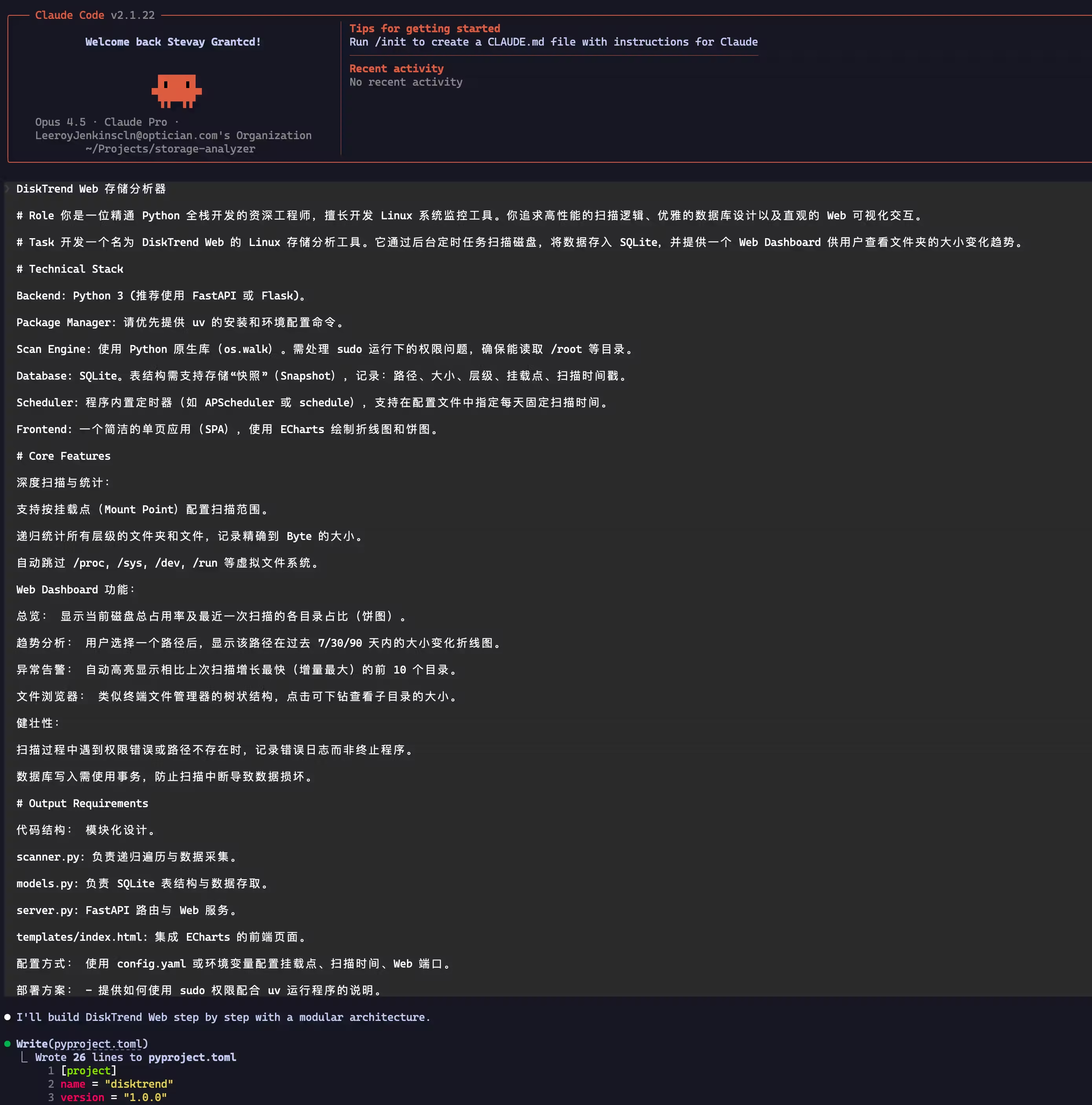
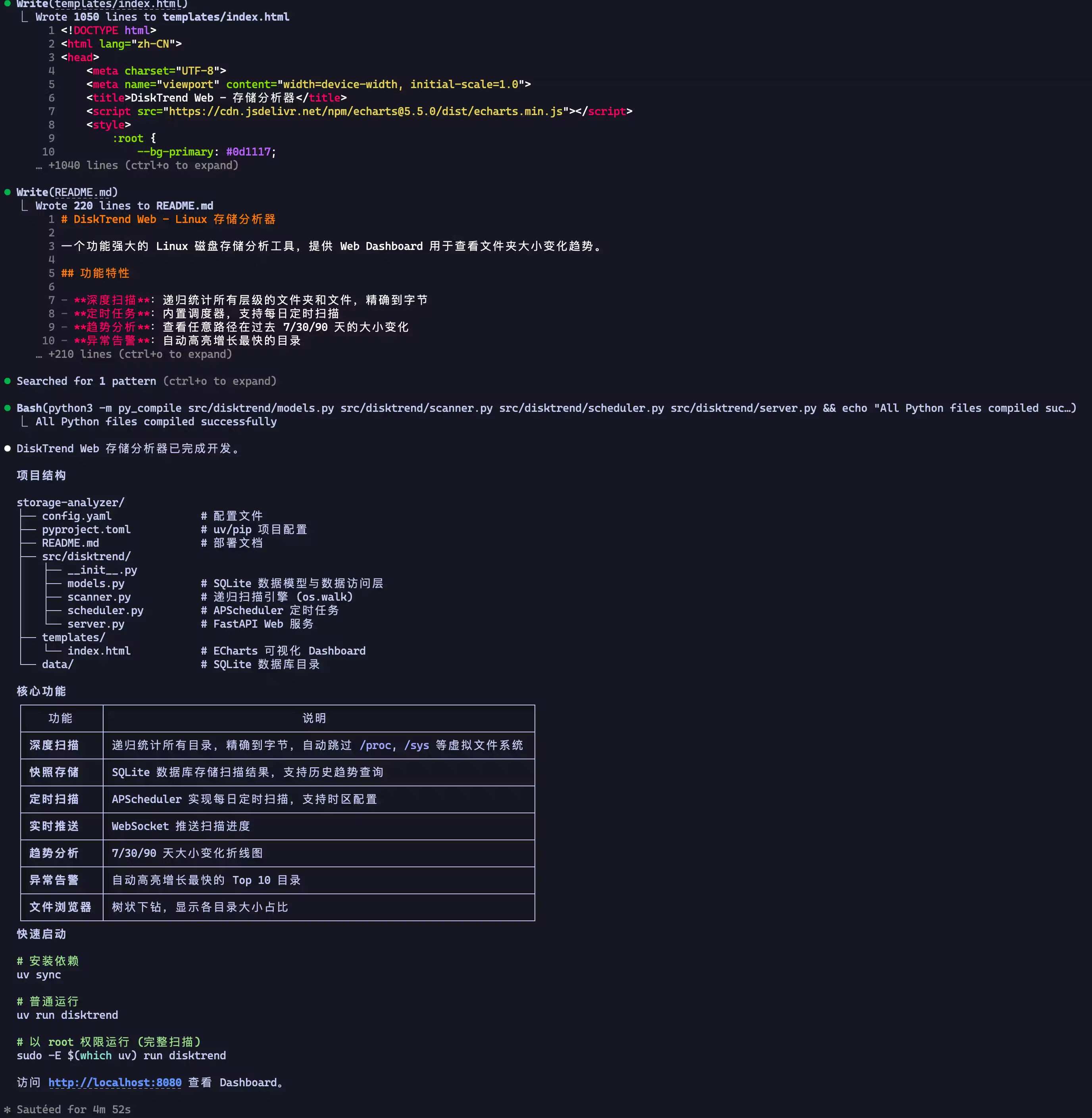
打开你的 AI Coding 工具,只需要原封不动把它给你的提示词贴进去,然后回车,就完事了
|
||
|
||
|
||
|
||
小工具用 Python 开发很快,等几分钟就做好了
|
||
|
||
|
||
|
||
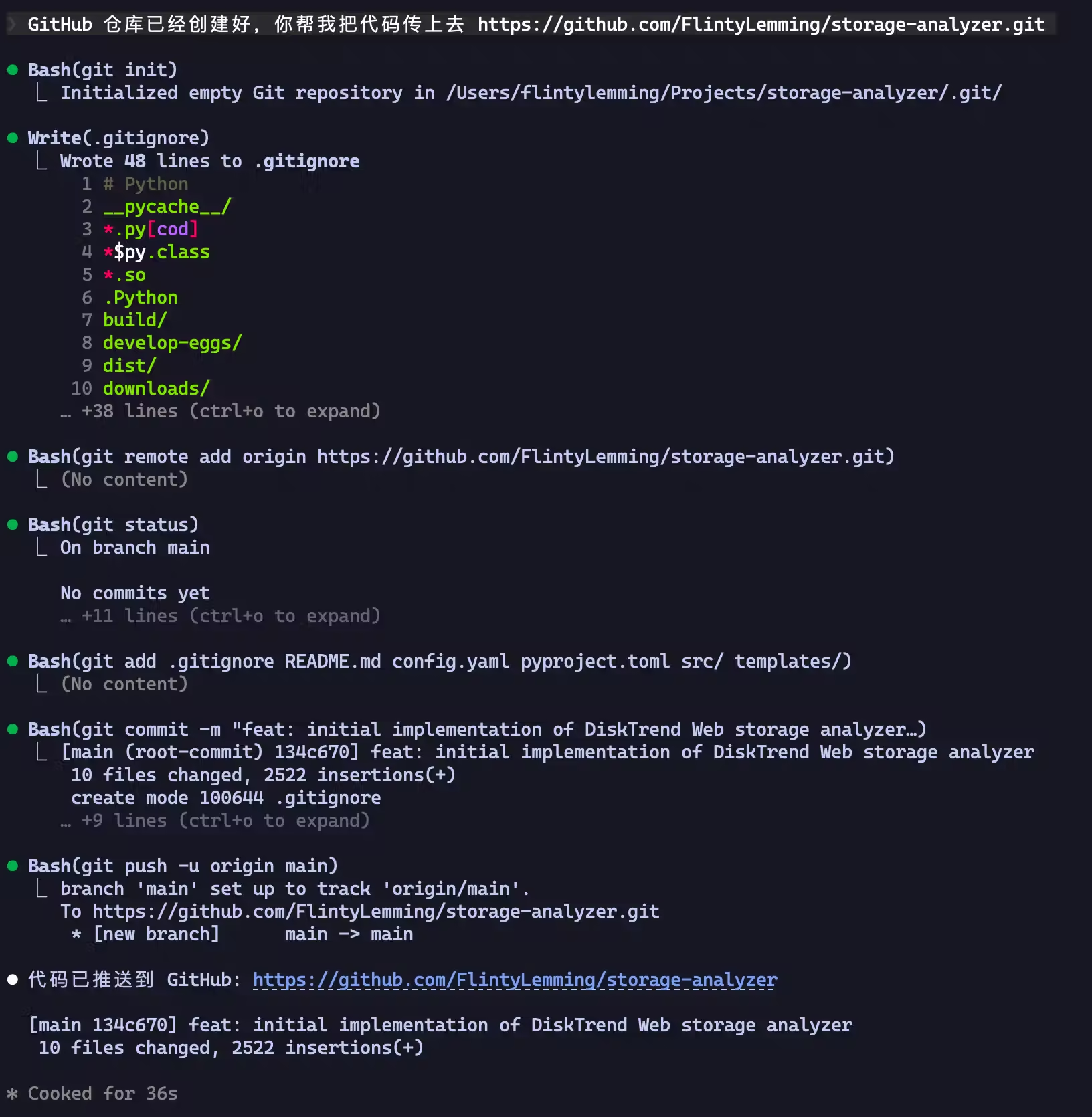
开发完后可以让他帮你传到 git 仓库
|
||
|
||
|
||
|
||
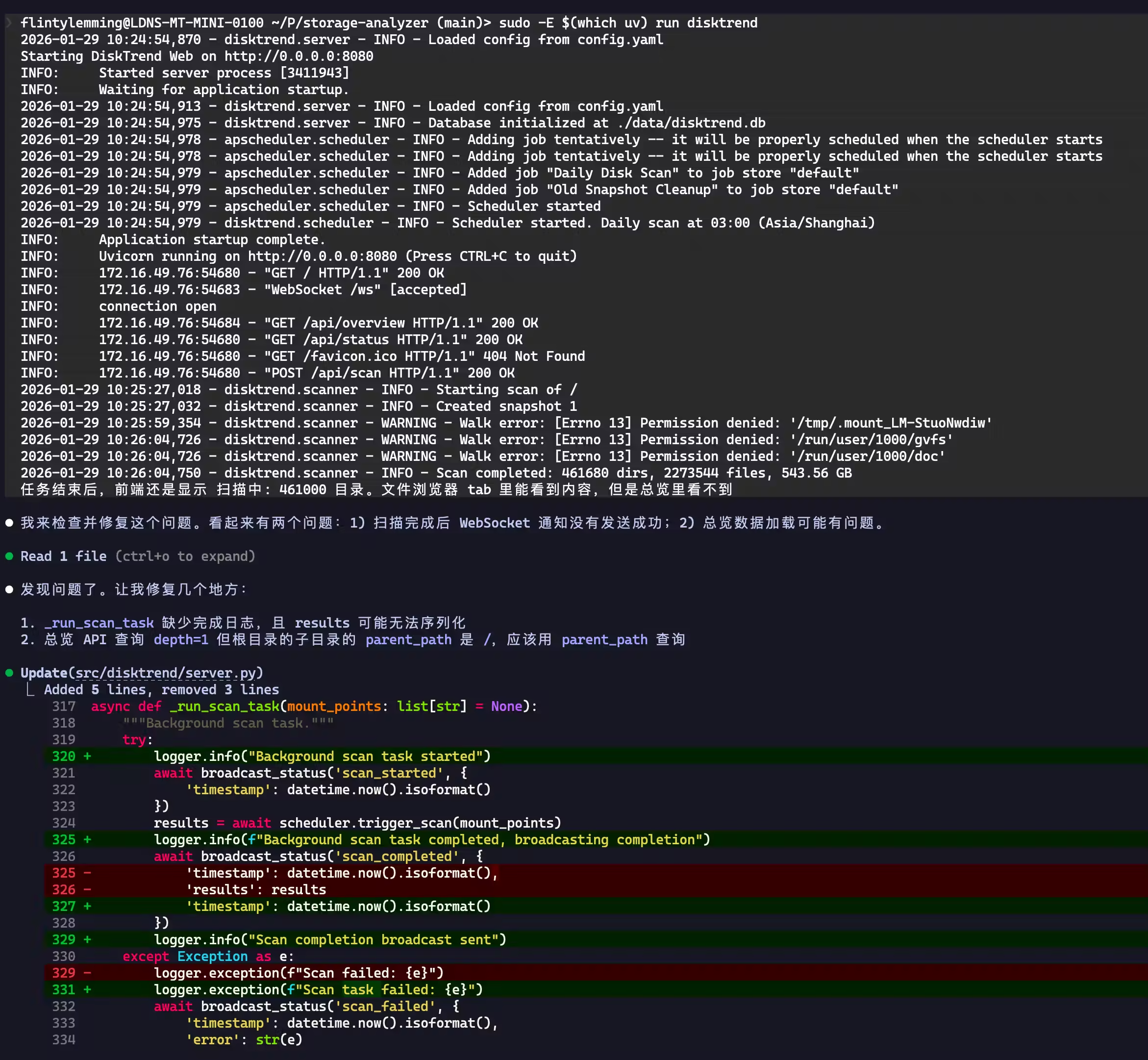
用起来可能会有 bug,不要担心,直接把日志、现象什么的贴给他
|
||
|
||
|
||
|
||
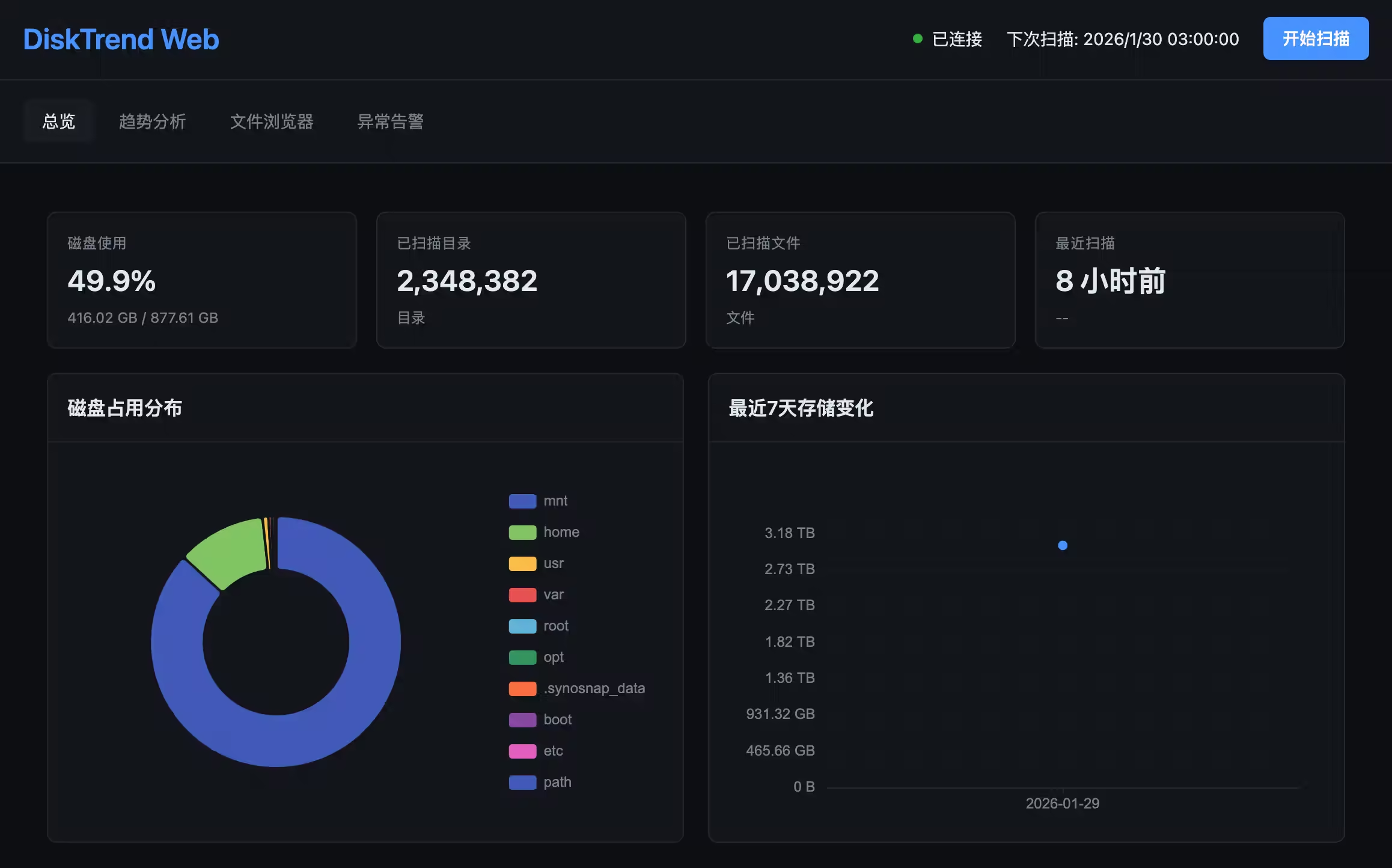
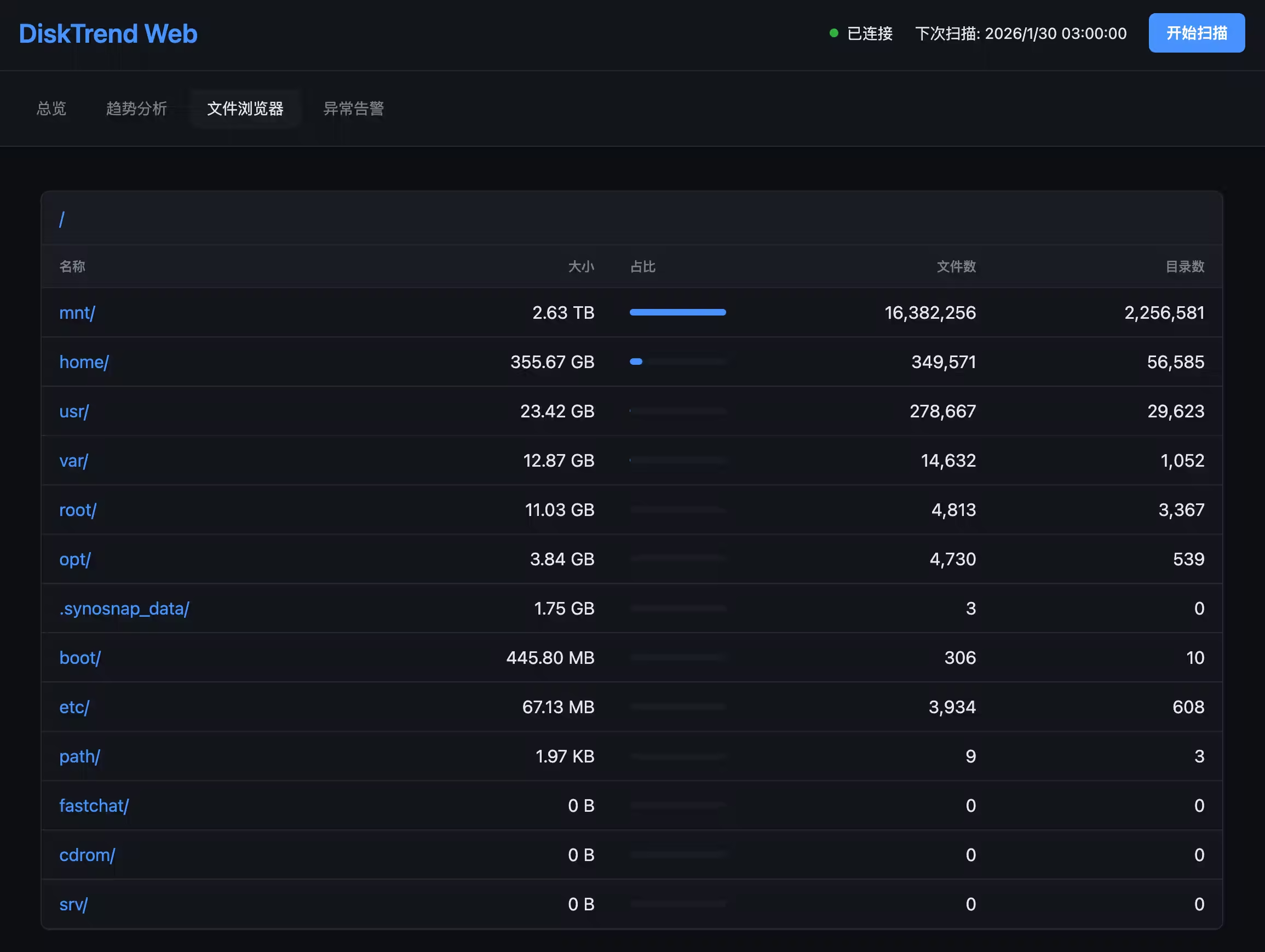
我这个工具也就改了这一次就能用了
|
||
|
||
|
||
|
||
|
||
|
||
> Photo by [Willian Justen de Vasconcellos](https://unsplash.com/@willianjusten?utm_source=unsplash&utm_medium=referral&utm_content=creditCopyText) on [Unsplash](https://unsplash.com/photos/modern-building-facade-with-repeating-windows-and-yellow-accents-HlJjGMlf2Mo?utm_source=unsplash&utm_medium=referral&utm_content=creditCopyText)
|
||
|